 designlof.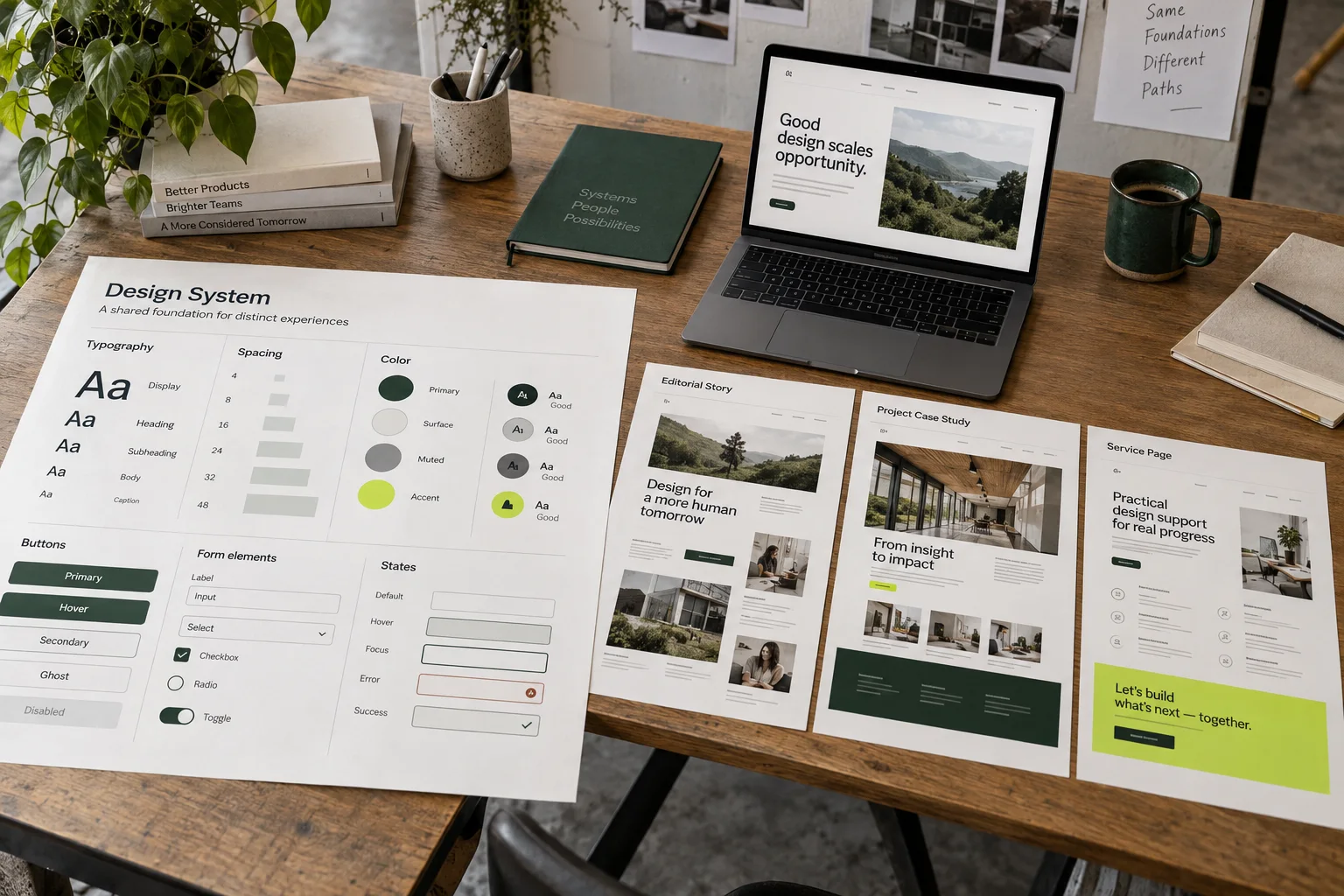
Begin with a premise
Before drawing components, name the visual idea that should hold the experience together. It may be a contrast between editorial scale and compact utility, a particular rhythm of image and text or a deliberate tension between precision and warmth.
The premise gives the system a reason. Without it, consistency can become a collection of neutral defaults that are technically tidy but impossible to recognize.
Separate rules from recipes
Rules cover typography, spacing, color, states and accessibility. Recipes show how those ingredients combine for recurring moments such as a case-study opening, a feature explanation or an enquiry panel.
This distinction keeps the system flexible. A designer can create a new composition without inventing new fundamentals every time.
Create useful ranges
Give type, space and media enough range to express both emphasis and quiet. A long-form story needs compact captions, readable paragraphs, strong chapter headings and occasional moments that break beyond the reading column.
Document where each range belongs. The goal is not to forbid variation, but to make deliberate variation easier than accidental inconsistency.
- Foundations
- Type, space, color, states
- Recipes
- Repeatable page moments
- Range
- Different emphasis and pace
Let components carry content
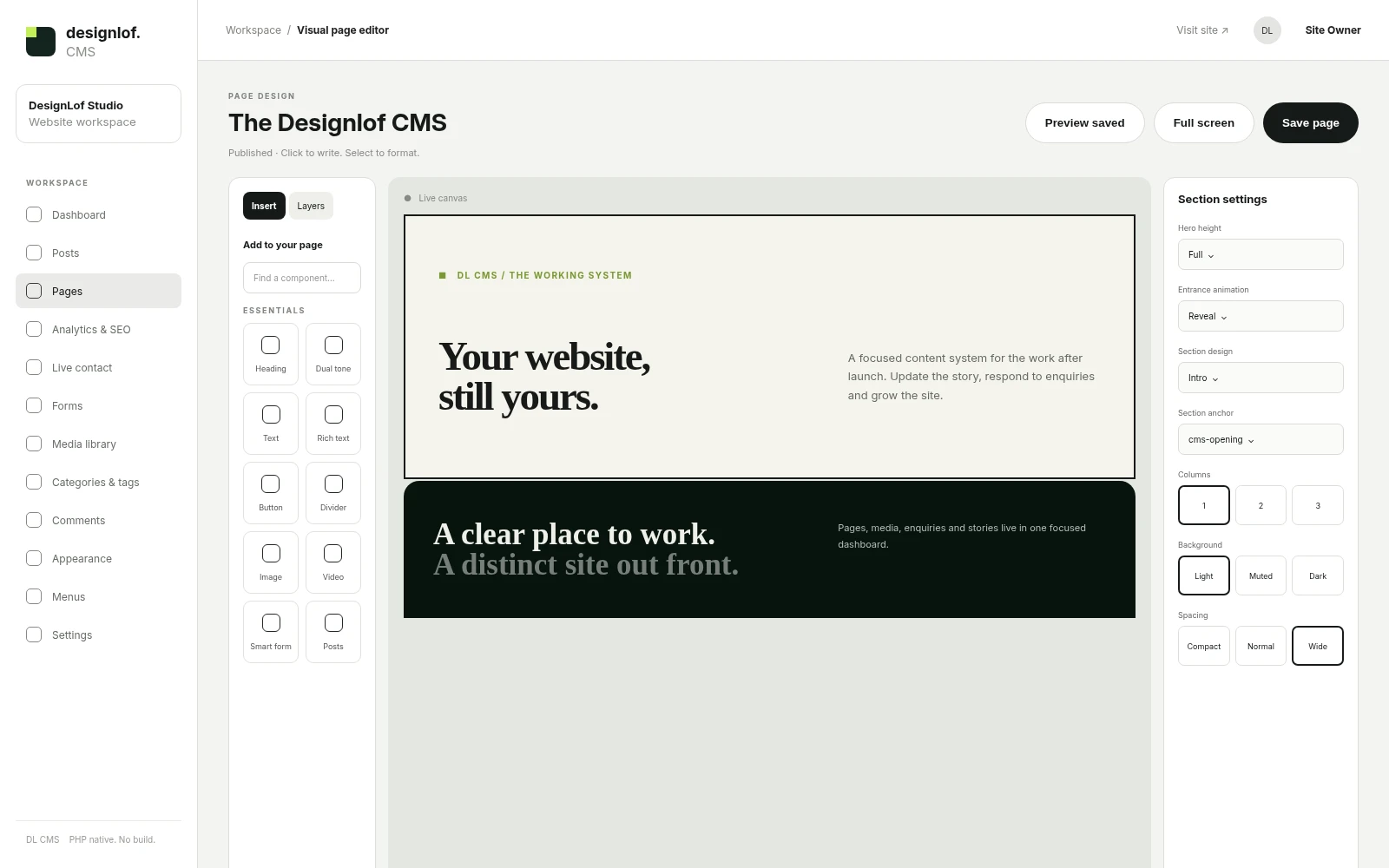
A browser preview should frame a website without forcing every image into the same crop. An app preview should make a tall interface legible. A callout should separate a decision or warning from the main prose.
When components understand their editorial role, authors can choose them by meaning instead of by appearance alone. That leads to better pages and a clearer CMS.
Test the awkward states
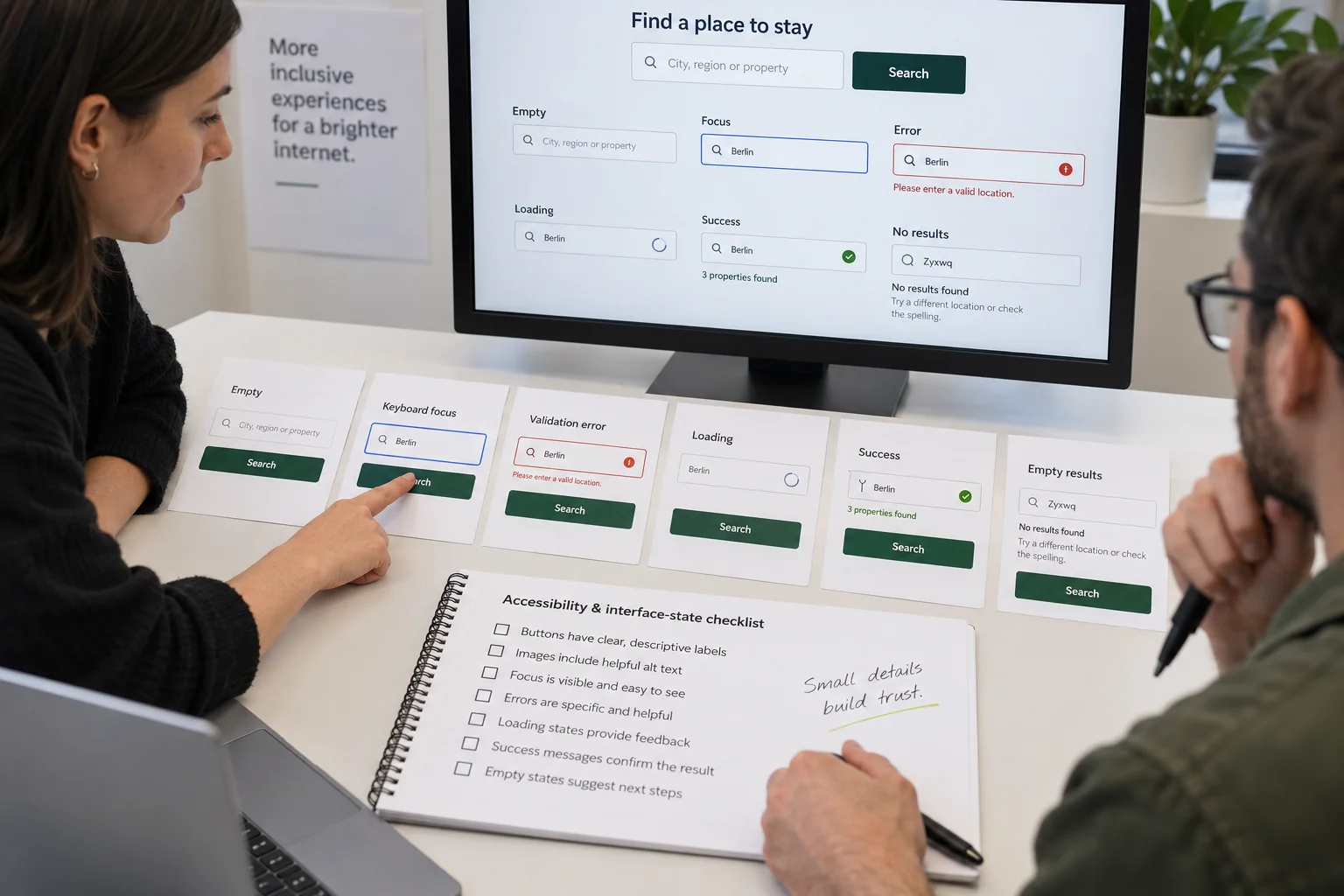
Systems are proven by long titles, missing images, translated labels, validation errors and narrow screens. Review those states before the library feels finished.
The uncommon case often reveals the hidden assumption in a component. Fixing it at the system level improves every page that uses the same part.

Audit the system with three pages
Build one editorial article, one project story and one practical service page using the same foundations. They should share type roles, spacing logic, control states and accessibility rules while expressing different pacing and emphasis. If all three look identical, the system needs more compositional recipes. If they feel unrelated, the foundations are too weak.
Also test a long title, a missing image, an error message, a four-item navigation label and a narrow mobile screen. These states expose whether the system is resilient or only works in a polished component sheet.
Protect identity while allowing change
Identify the few decisions that carry recognition: the typographic contrast, image treatment, interaction rhythm or distinctive color relationship. Keep those stable while leaving content and composition genuinely editable.
Document each component with its purpose, content limits, states, accessibility notes and at least one real example. This turns a visual library into a tool a team can use without flattening every new page.
Until the next discovery.

Conversation