Moontel.
Hospitality / DL CMS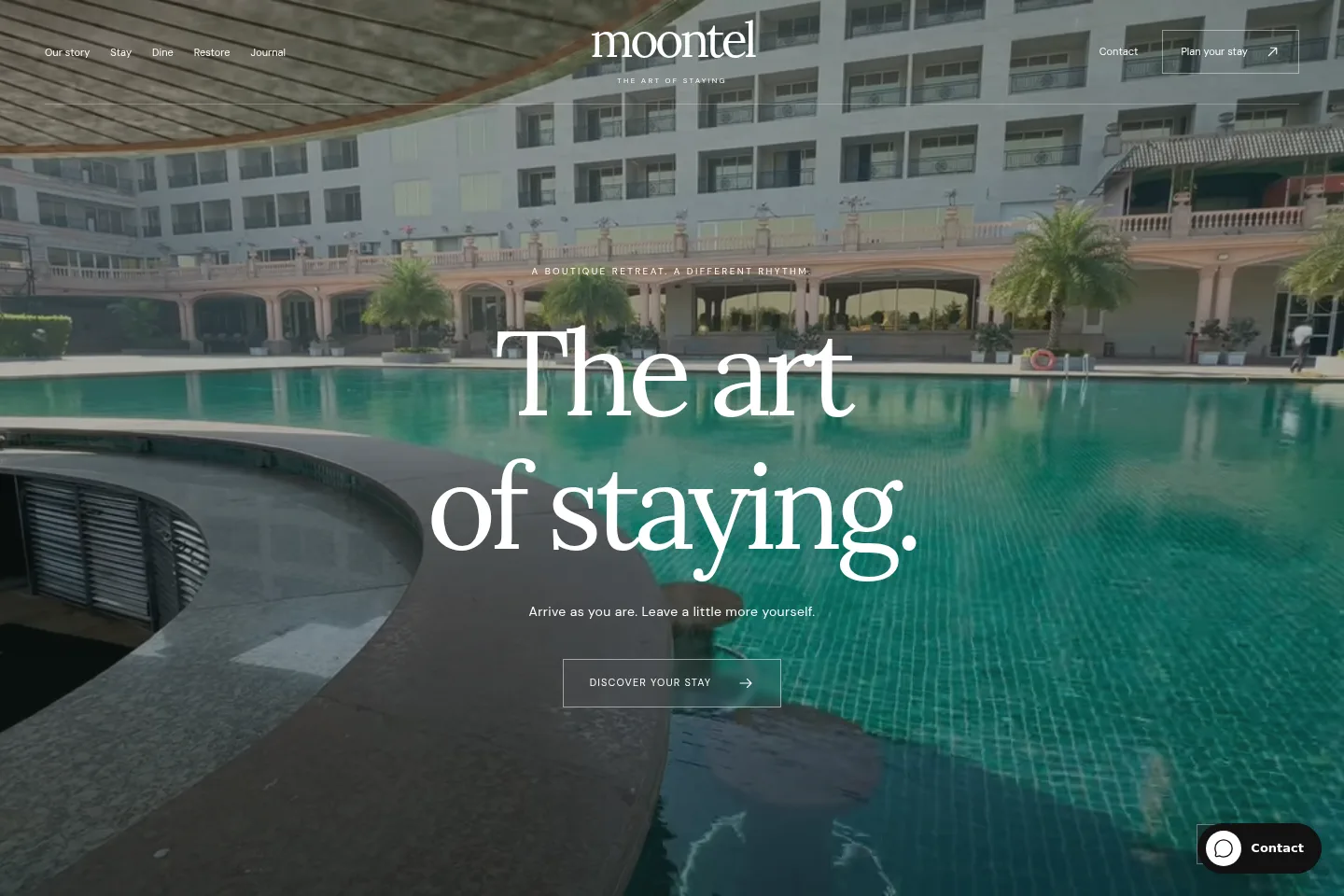 Moontel.View details
 Calm editorial pacing, atmospheric imagery and a focused guest journey.
 designlof.
TEMPLATE CUSTOMIZATION / A STRONGER START
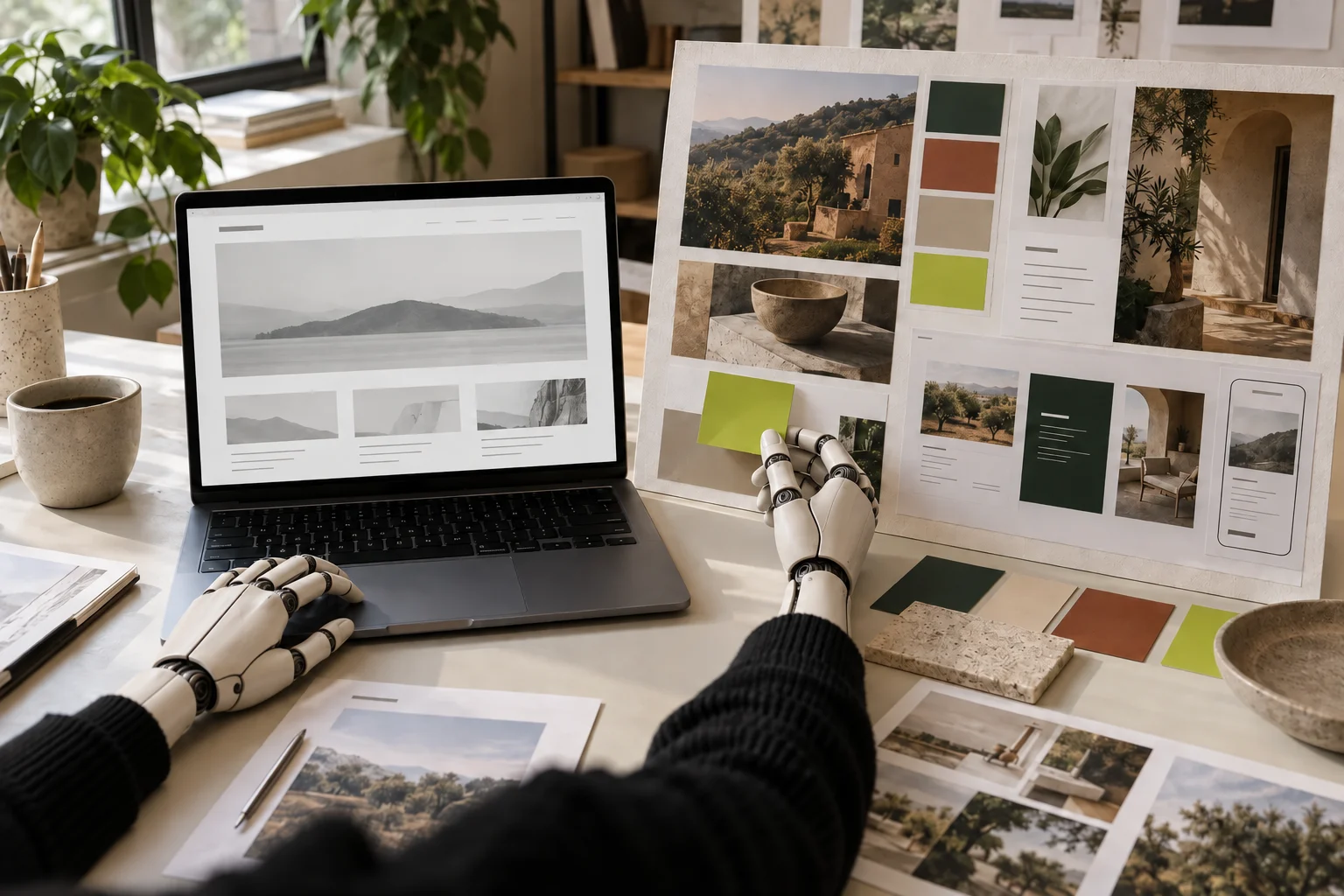
Choose a considered Designlof template, then adapt its identity, content and page rhythm around the business you are building—without giving up an editable CMS foundation.
CHOOSE CUSTOMIZATION WHEN
This route fits when a Designlof template already has the right kind of pages and overall character, while the logo, colors, type, imagery and content still need to reflect your business.
It gives you a stronger starting point than a blank page without forcing you to publish the demo unchanged.
WHAT YOU RECEIVE
We prepare the agreed pages with your approved brand material and content, then check the important routes on large and small screens.
You keep the private editing dashboard and receive a walkthrough of the pages, media, forms and controls included in your delivery.
WHAT CAN CHANGE / SIX PRACTICAL LAYERS
The final list depends on the selected template and brief. These are the layers we review together before defining the customization scope.
Apply the approved logo, colors and graphic details with enough contrast and consistency.
Choose licensed fonts and tune their size, spacing and hierarchy for the real words on the website.
Prepare your photography, video and illustration so each visual has a clear role on the page.
Remove, repeat or combine supported sections so the page answers your visitors’ questions in the right order.
Shape headings, proof, service explanations and buttons around the decision a visitor needs to make.
Prepare the pages, media, forms, journal and supported sections for the people who will run the website.
THREE STARTING POINTS / THREE DIFFERENT VOICES
A template should bring a point of view, not force every business into the same surface. These real Designlof screens show how different content systems and visual rhythms can begin from the shared CMS.
Moontel.View details Calm editorial pacing, atmospheric imagery and a focused guest journey.
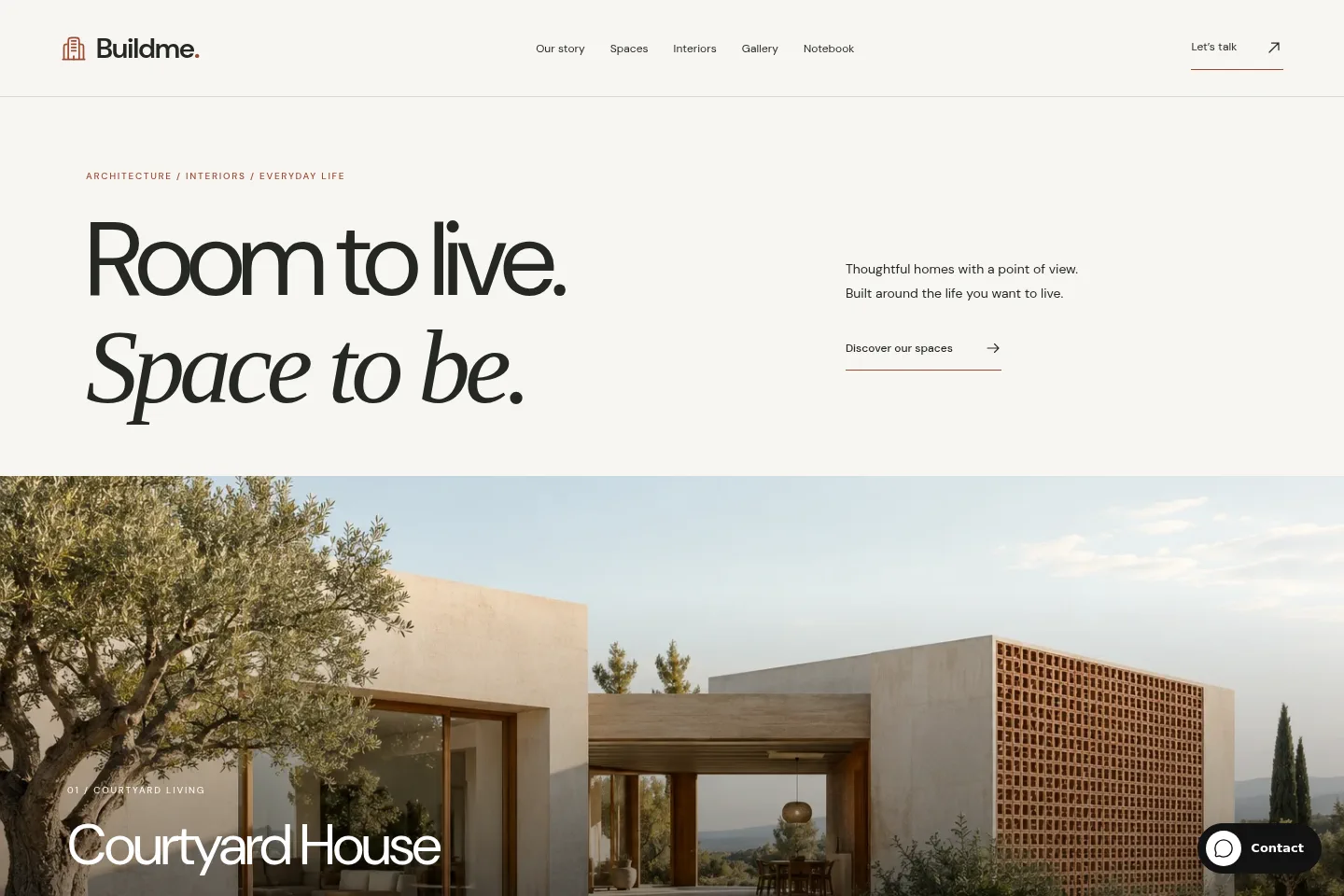 Buildme.View details
 Measured typography, material stories and room for project detail.
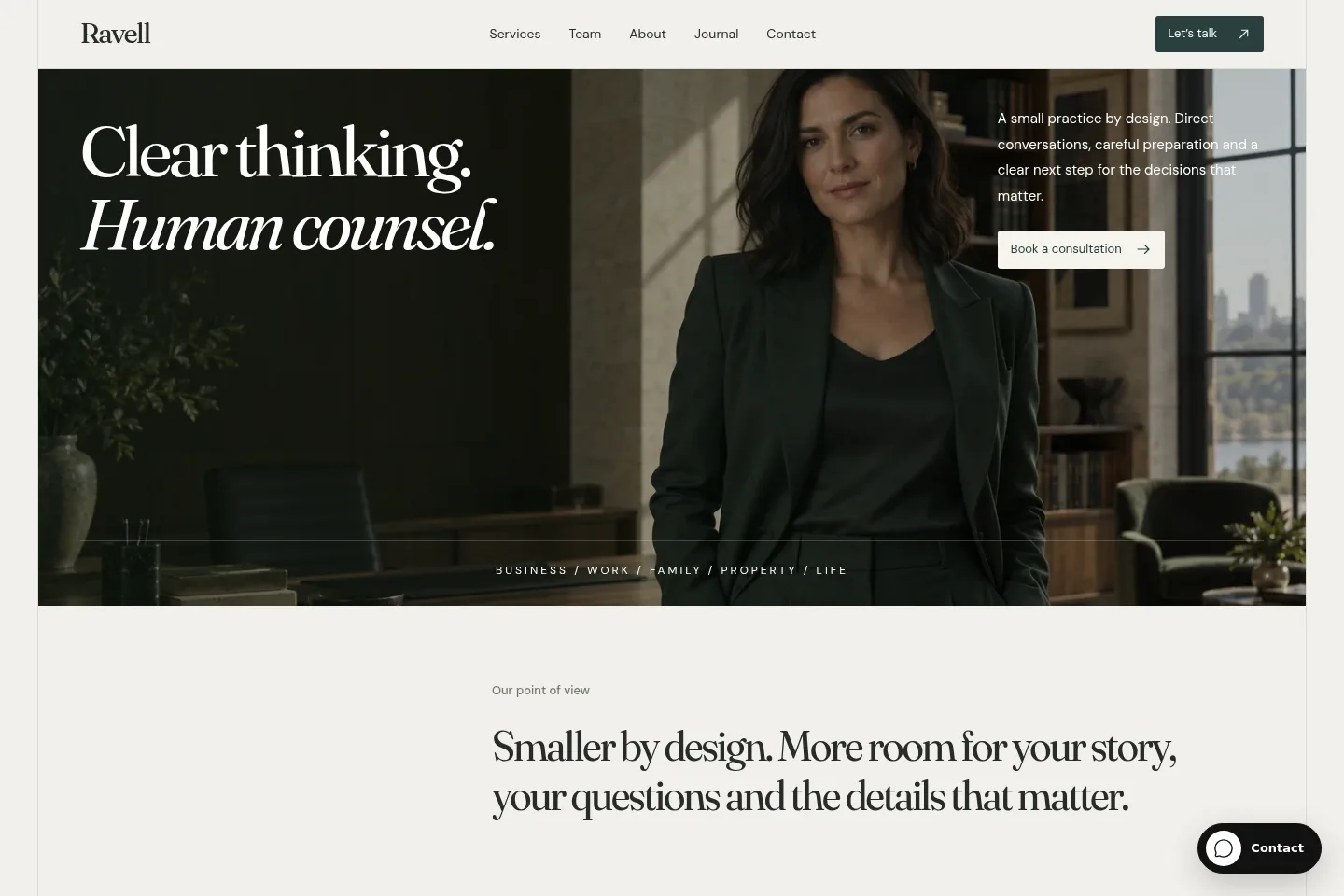 Ravell.View details
 Clear services, long-form thinking and a confident professional presence.
FROM SELECTION TO LAUNCH / 05 STEPS
01 / CHOOSE
Compare the audience, page types, content volume and visual character before choosing a template for its surface alone.
02 / AUDIT
Gather identity files, copy, photography, required pages and business details. We identify what is ready and what still needs work.
03 / DIRECT
Agree typography, color, image treatment, page hierarchy and the places where the original system should change.
04 / BUILD
Prepare the pages in the CMS, refine responsive behavior and review forms, navigation and important visitor journeys.
05 / HANDOVER
Review the agreed pages and editor workflows, resolve the final list and document any support that continues after launch.
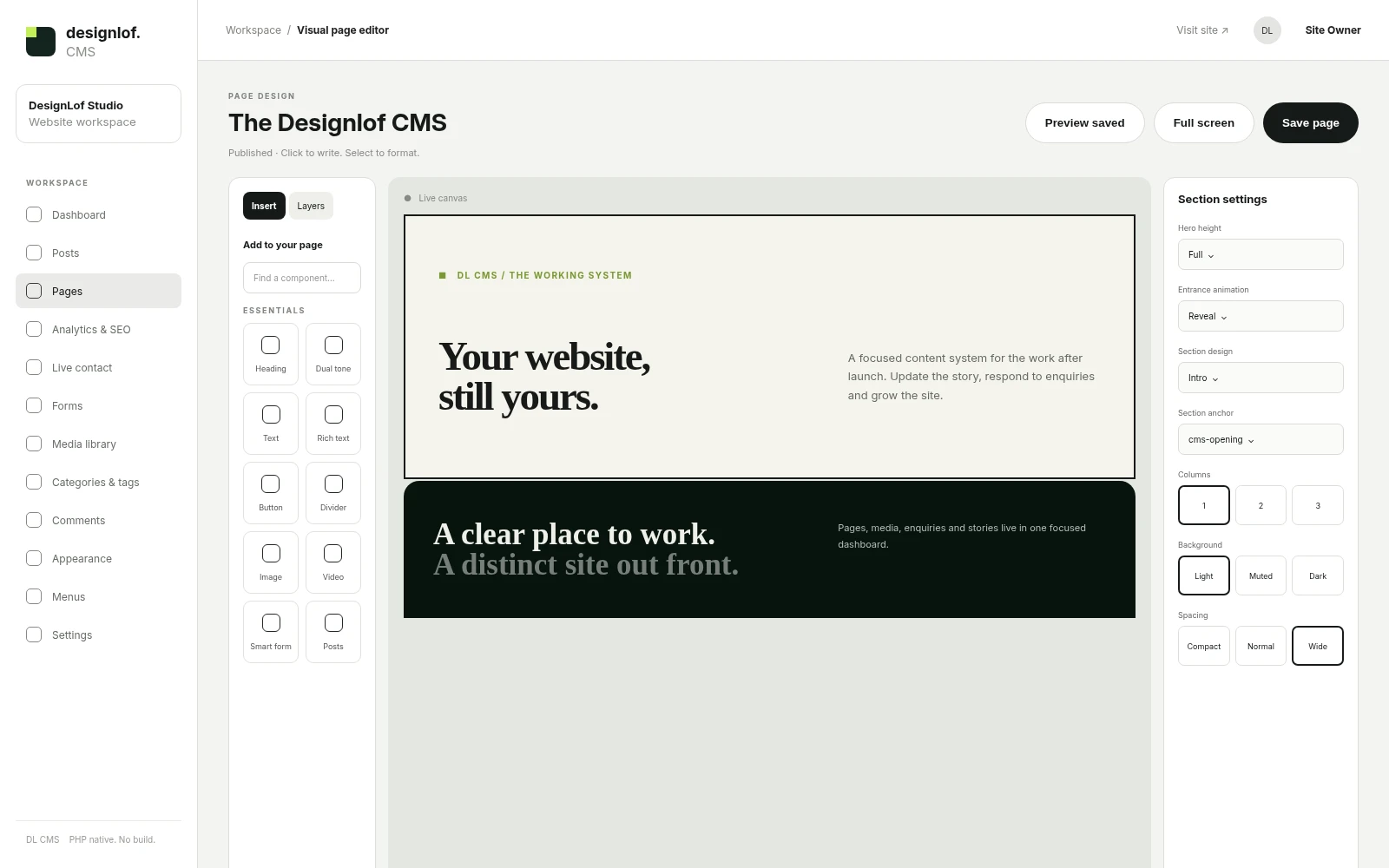
EDIT THE STORY IN CONTEXT
The page editor keeps headings, media and sections inside the template’s design language while the customization gives that language a specific role for your business.
You can review the composition as a page instead of managing disconnected fields without seeing the result.
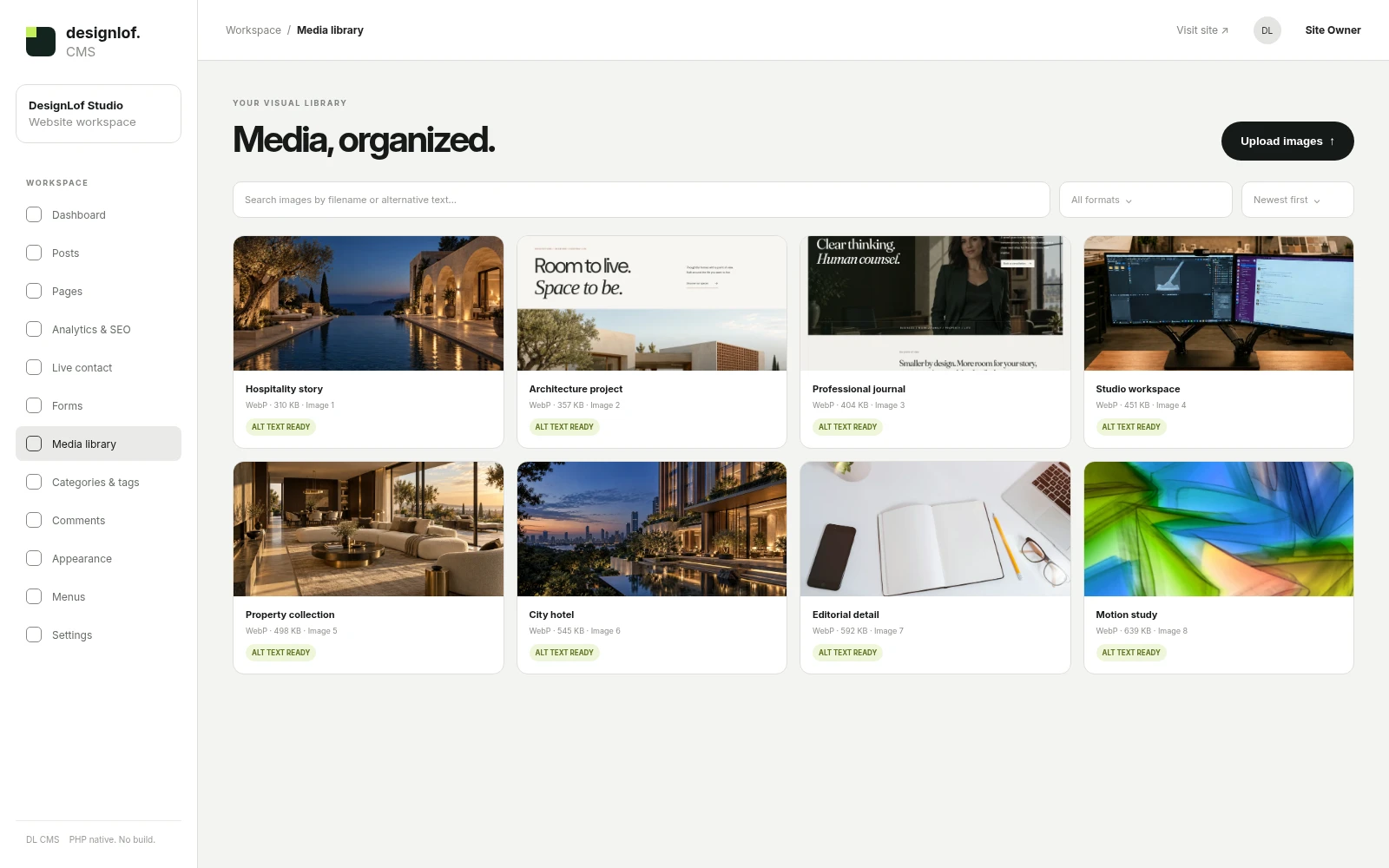
KEEP APPROVED ASSETS CLOSE
Images live in one organized place with alternative text and reusable records. That makes future replacement and publishing more dependable than burying assets inside individual pages.
The delivered CMS setup reflects the pages and tools agreed for the project.
TEMPLATE CUSTOMIZATION
This route is efficient when the required pages and interactions fit the supported template foundation. The work can focus on identity, content, composition and a controlled set of component changes.
The proposal records the selected template, included pages, changes, supplied assets and review stages.
CUSTOM WEBSITE
Choose a custom project when the information architecture, product behavior, component system or creative direction needs to be invented around your business.
We will recommend this route when forcing the work into a template would create more compromise than value.
01 / BRAND ADAPTATION
A focused route for approved identity, supplied copy and media, core page setup and the supported changes confirmed in the proposal.
Useful when the template structure already fits and the material is ready to work with.
02 / DEEPER CUSTOMIZATION
A broader route for content direction, page restructuring, additional supported components and closer design review across the important journeys.
Useful when the foundation fits but the final website needs a more particular expression and content system.
TELL US WHERE YOU WANT TO BEGIN
Share the closest template, the business context, required pages and the identity or content you already have. If you are still deciding, choose “Help me choose” in the form.
This request starts a conversation. We confirm fit, scope, timing, price and licensing before any payment or project commitment.
BEFORE YOU ADAPT
These answers separate the visual starting point from the final website and explain where content, licensing and additional development enter the project. The written proposal remains the source of truth for a specific customization.
 WhatsApp
Hello! Send us a message and we will reply here.