 designlof.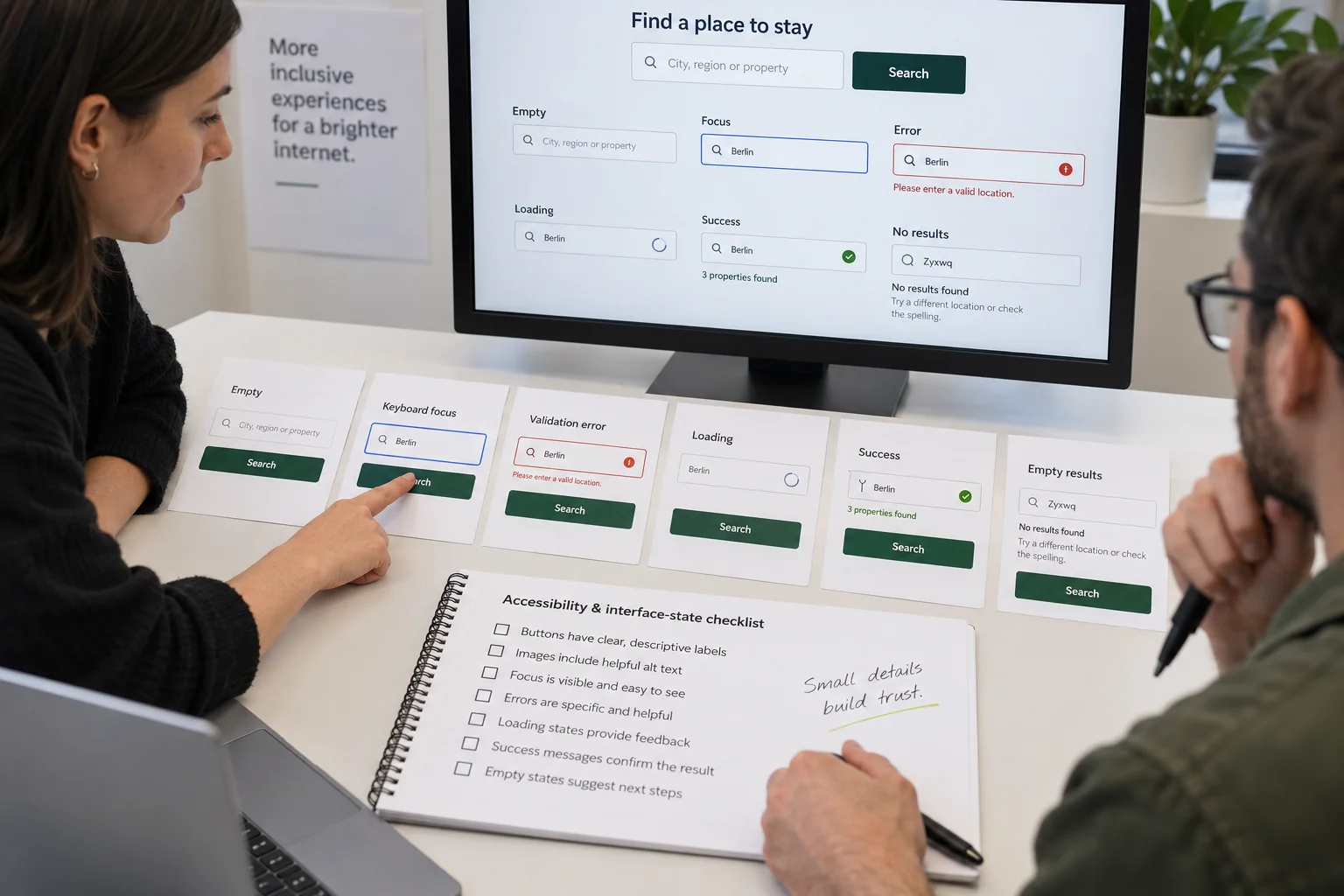
Write the exact next step
Buttons and links should describe where they lead. “View the project,” “Compare the rooms” and “Send the brief” create a clearer expectation than a repeated “Learn more.”
Precise language reduces hesitation and makes the interface feel considered. It also produces better accessible names when a page contains many similar actions.
Design every state
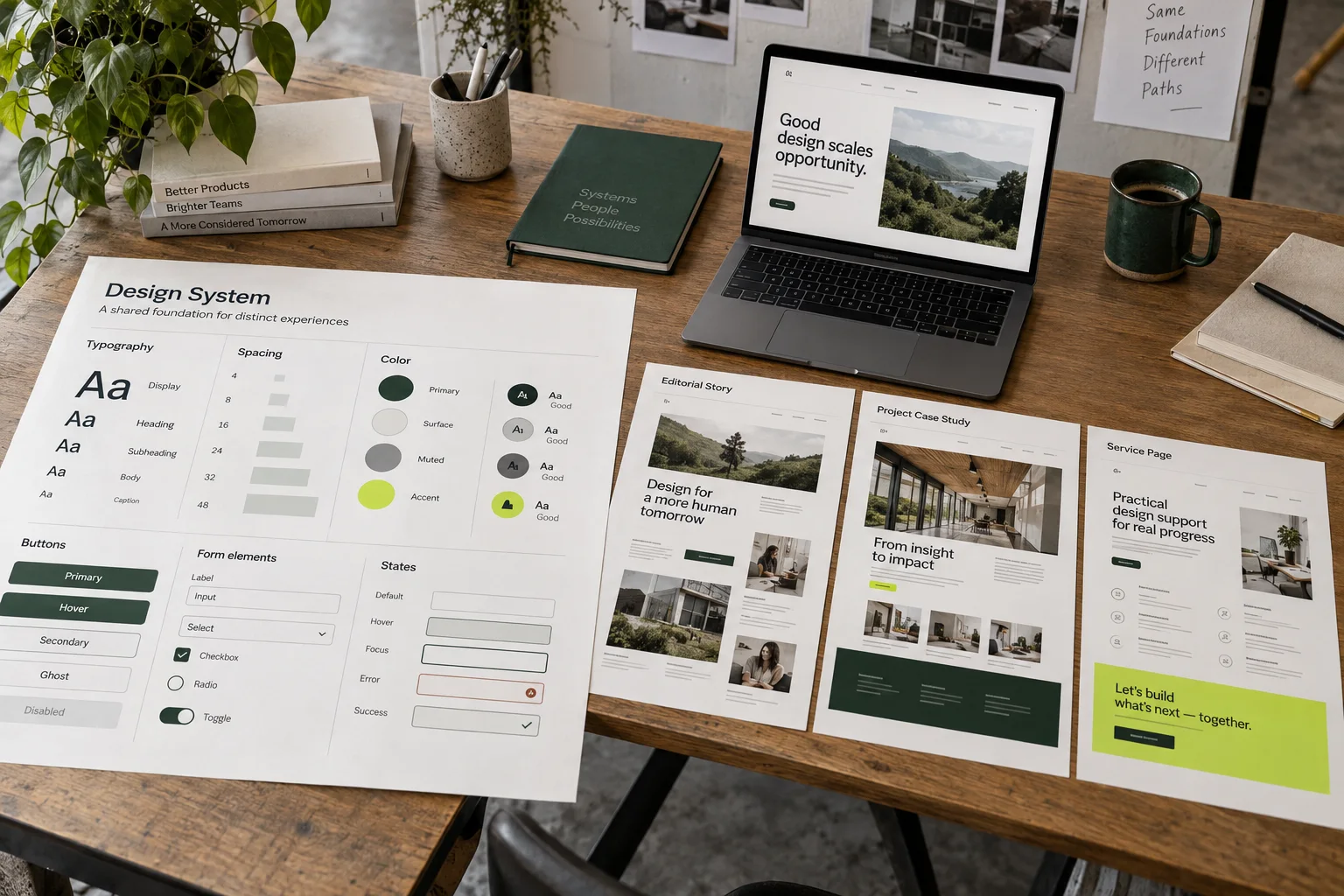
Empty results, loading, validation, success and unavailable content are part of the product. Give them the same hierarchy and tone as the ideal path.
A polished form that becomes vague after submission loses trust at the most important moment. Explain what happened, what will happen next and whether the person needs to do anything else.
Keep orientation visible
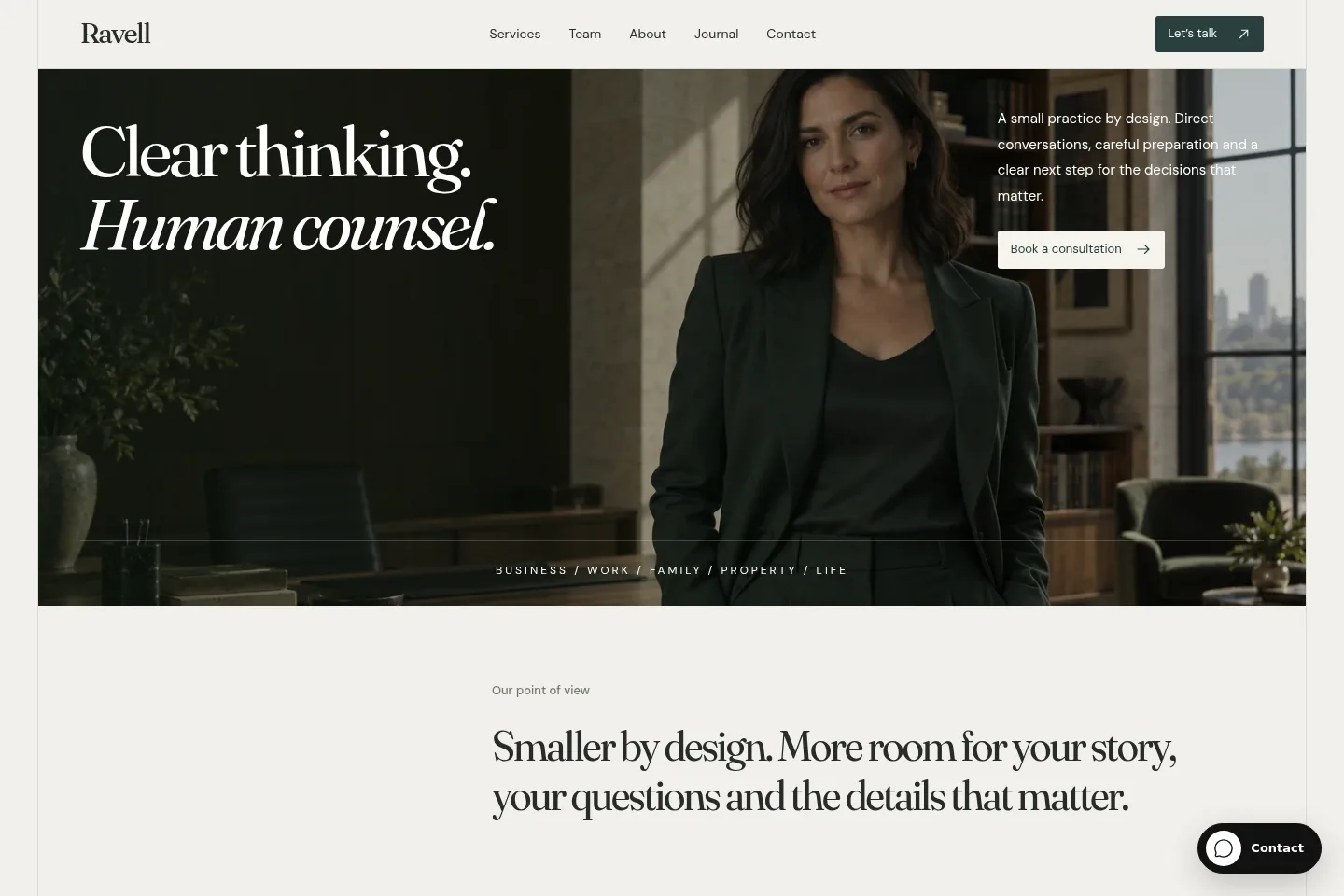
Active navigation, meaningful page titles and stable interface landmarks help people know where they are. On a long story, a table of contents and reading progress make depth feel manageable.
For applications, preserve context when panels open or filters change. For websites, keep the current section and destination of a link understandable without relying on animation.
- Labels
- Set the expectation
- States
- Explain what happened
- Action
- Offer the next step
Let feedback arrive quickly
A small visual response confirms that an action worked. Keep it immediate and proportional: a pressed state, a changed label or a concise status message is often enough.
Avoid feedback that depends on color or motion alone. The interface should remain clear for people using keyboards, reduced motion or assistive technology.
Inspect the media details
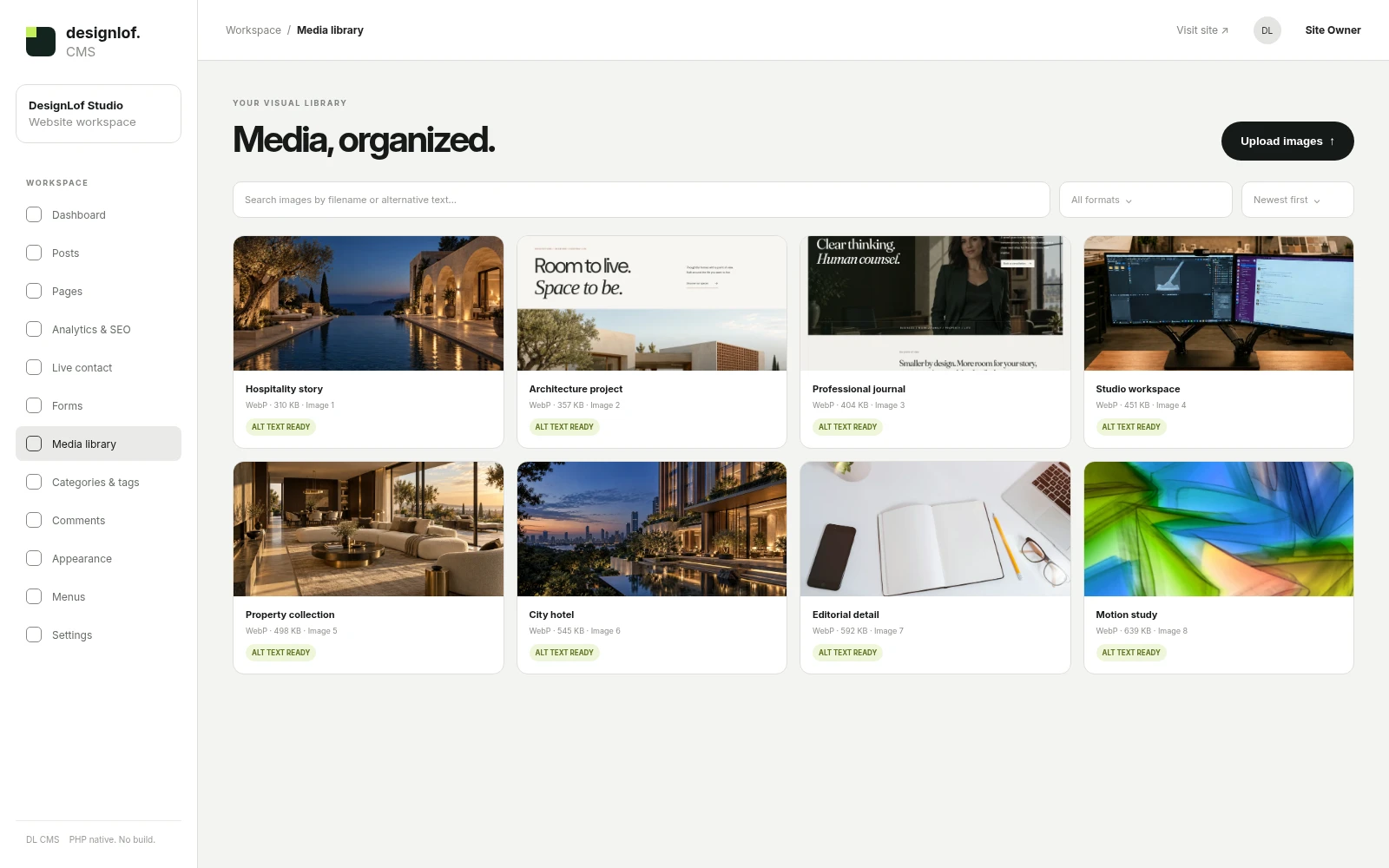
Correct crops, useful alternative text and captions affect how credible a story feels. Website screenshots deserve enough width to inspect; mobile screens need a device context that preserves their proportions.
Loading should not make the page jump. Set predictable dimensions and keep decorative frames separate from the information carried by the image itself.
Build a state inventory
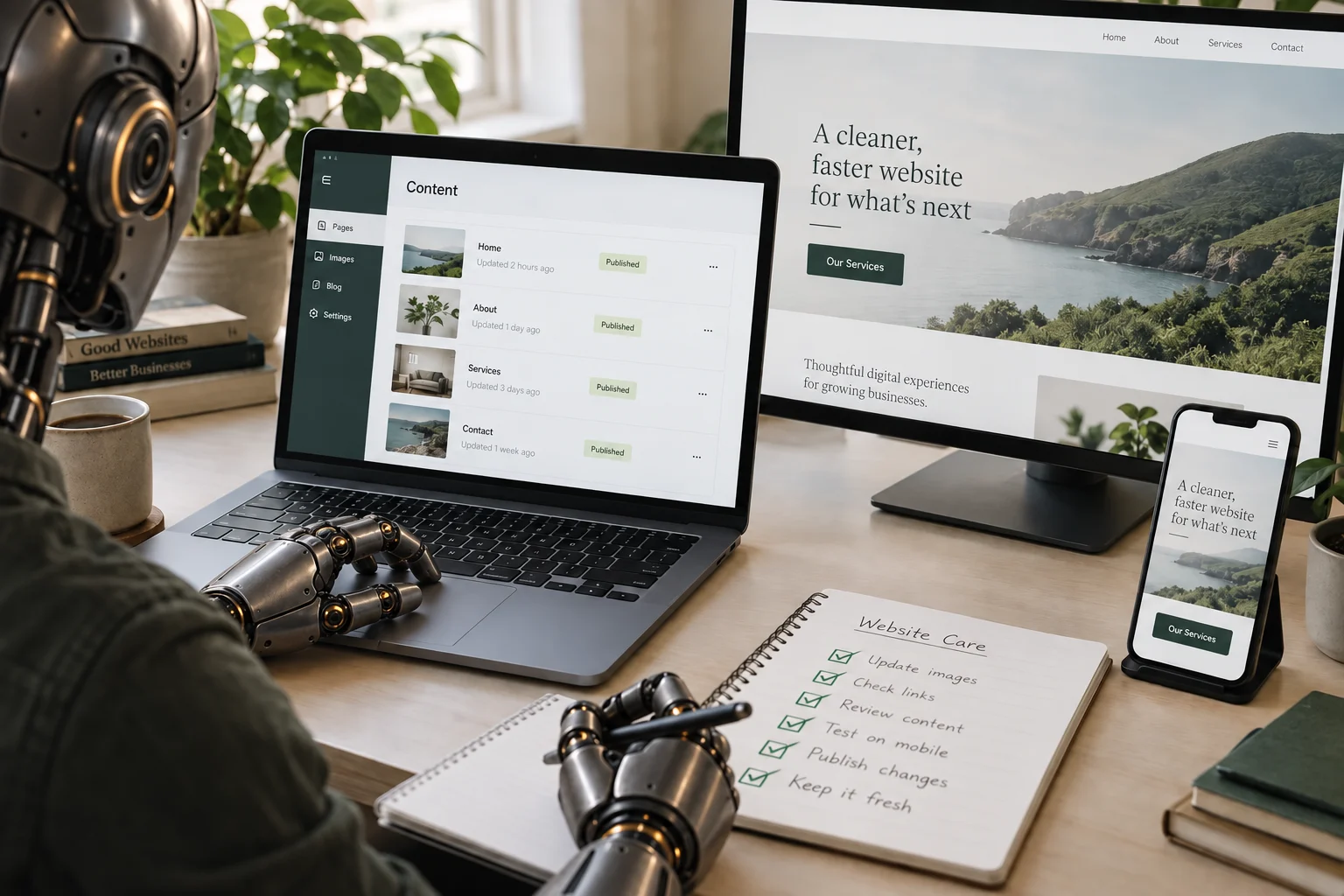
For every form, search, filter, media player and menu, list the default, hover, focus, active, disabled, loading, empty, error and success states that apply. Add the message shown, the next available action and whether focus moves. This inventory turns forgotten edge cases into ordinary design work.
Use real failure scenarios: an invalid email, no search result, a slow upload, an expired session and a paused background film. A screen is complete when the person understands what happened and what to do next.
Review the whole journey
Test the page from arrival to completion on a small screen, a large screen and with a keyboard. Zoom to 200%, enable reduced motion, read every label aloud, submit forms with mistakes and follow every link. Confirm that focus remains visible and that errors are associated with the correct fields.
The most memorable detail is often the one that simply works. Record issues by journey and severity, then repeat the same route after fixes; a checklist without a second pass does not establish that the experience improved.
Until the next discovery.

Conversation