 designlof.
Start with the transition in meaning
Motion is most useful when something changes: a new chapter enters, an interface state responds or spatial context would otherwise be lost. Define that change before choosing a duration or easing curve.
If the movement cannot be connected to understanding, feedback or orientation, it may be decoration. Decoration can still have a place, but it should not slow the essential route through the page.
Direct attention once
A reveal can establish the reading order and a hover state can expose the available action. When many elements compete to animate, the hierarchy collapses. Choose the moment that deserves attention and let the rest remain calm.
Staggered text works best with small distances, restrained blur and consistent timing. The reader should experience a natural arrival, not wait for the interface to finish performing.

Prototype in context
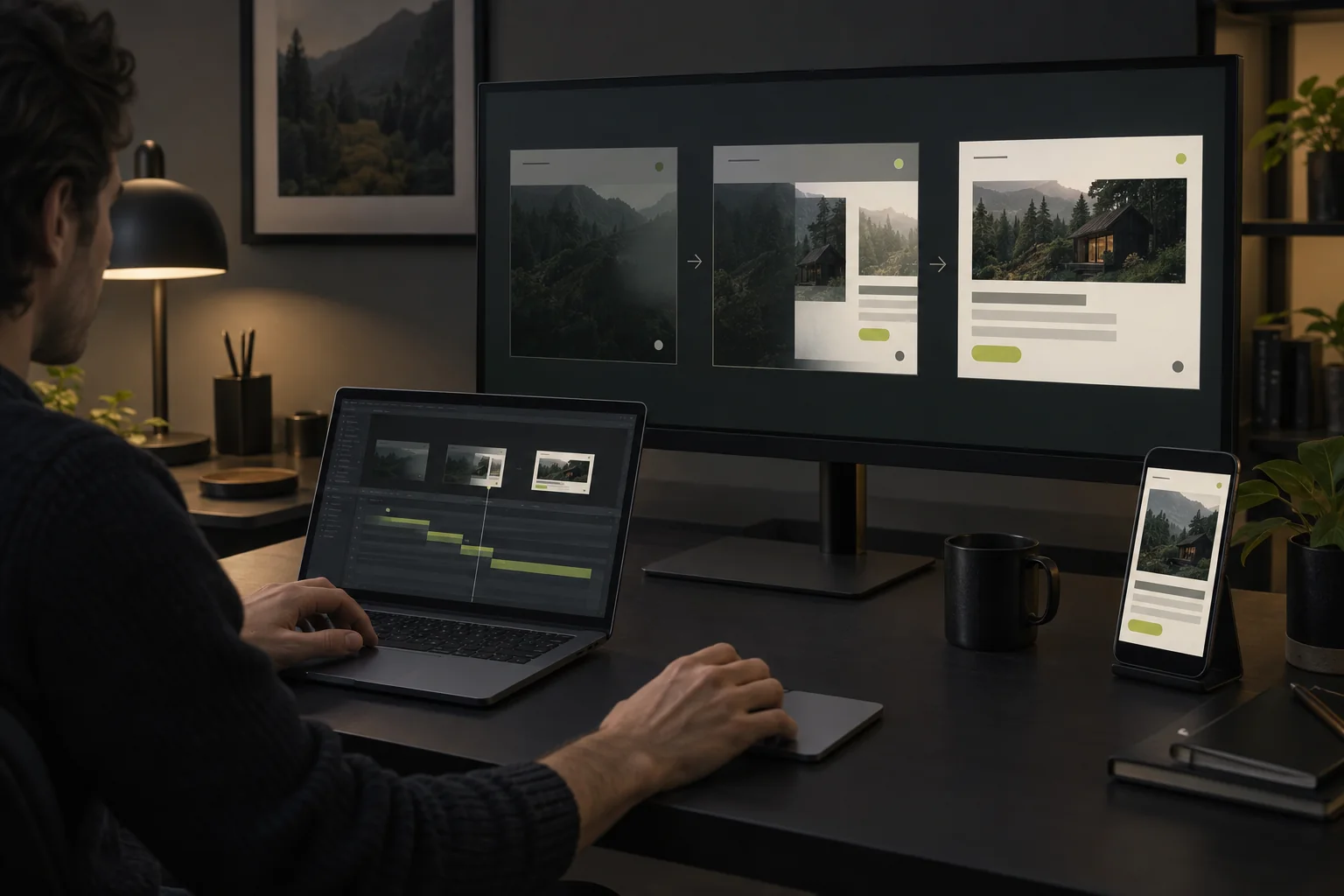
Timing cannot be judged from a static design file. Test motion with real content, realistic devices and the interactions that happen immediately before and after it. A transition that feels elegant in isolation may feel slow when repeated.
Use prototypes to review focus states, loading behavior and interruption. Motion should remain coherent when someone scrolls quickly, changes direction or uses the keyboard.
- 120–180 ms
- Direct feedback
- 200–320 ms
- State transitions
- 400–600 ms
- Editorial entrances
Give people control
Background film needs a clear pause control. Carousels should respond to touch and keyboard input. Nothing essential should disappear because autoplay stopped or JavaScript arrived late.
Honor reduced-motion preferences and avoid using movement as the only signal. A change in label, color or structure can carry the same information in the quiet version.
Tune a shared language
A small set of durations, easing curves and entrance patterns creates consistency across the site. Use the faster range for feedback and the slower range for large editorial transitions.
Consistency does not require identical effects everywhere. The same motion principles can support a soft journal reveal, a precise application state and a cinematic project opening.

Write the motion specification
For each animation, record its trigger, property, duration, easing, interruption behavior and reduced-motion alternative. “Headline enters on first view; opacity and 12px vertical movement; 480ms; ease-out; may be interrupted by scrolling; reduced version uses opacity only” is reviewable. “Make it smooth” is not.
Use roughly 120–180ms for direct control feedback, 200–320ms for panels and state changes, and 400–600ms for a deliberate editorial entrance. Treat these as starting ranges, then judge them in context and on slower devices.
Review the entire journey
Test the first load, navigation, forms, media controls and the final call to action as one sequence. Scroll quickly, reverse direction, tab with the keyboard, pause every film and enable reduced motion. Watch for delayed controls, content that shifts and animations that replay without purpose.
The best motion often becomes invisible. It confirms what changed, preserves orientation and then gets out of the way of the story.
Until the next discovery.


Conversation