 designlof.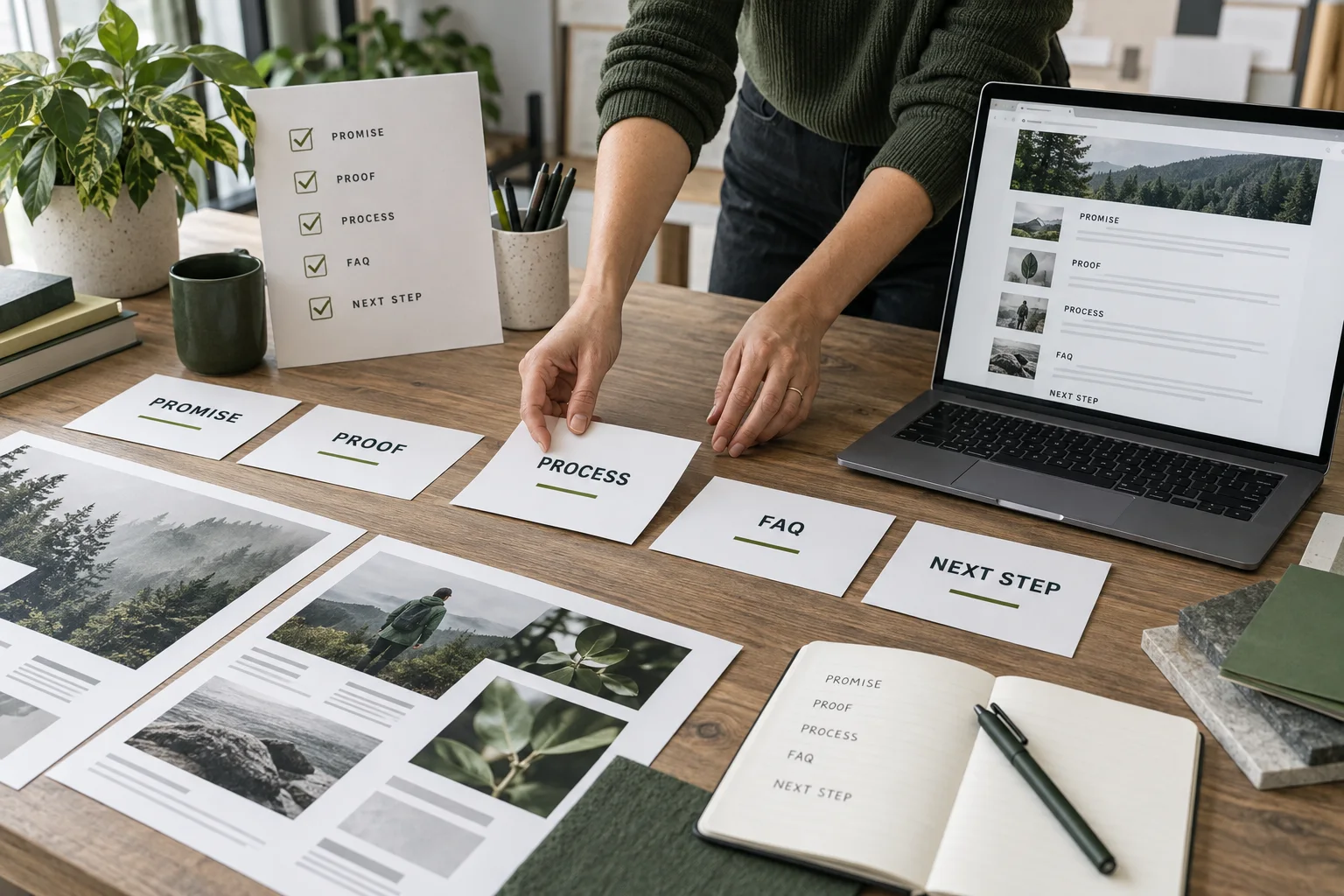
A page needs a point
Start with the question a visitor brings to the page. A service page may need to explain an outcome, reduce uncertainty and offer a way to begin. A project page may need to show the brief, the thinking and the result in a sequence that earns attention.
When the purpose is clear, hierarchy stops being decorative. The headline introduces the promise, supporting copy adds context and the visual material proves or clarifies what the words claim.
Build an editorial outline
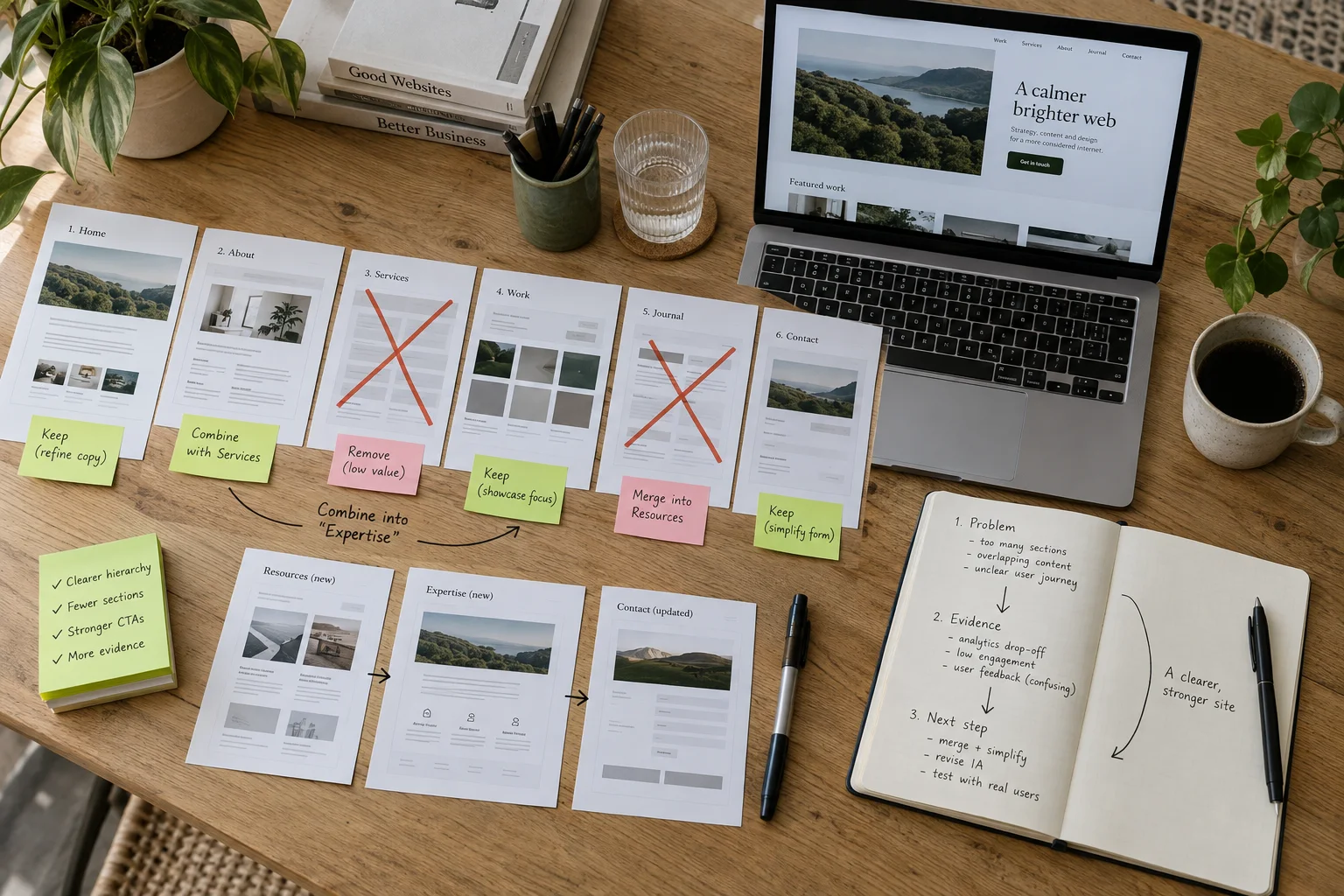
Write the story as a series of chapters before choosing a layout. Give every chapter a working heading and one sentence describing its role. This quickly reveals repetition, missing evidence and sections that exist only because a template had an empty slot.
The outline can be rough. Its value is that designers, writers and clients can discuss the same sequence before time is spent polishing the wrong composition.
Give every image a role
An image can introduce a world, explain a product, compare states, show scale or provide a close detail. Name that role in the brief and choose the crop, caption and placement around it.
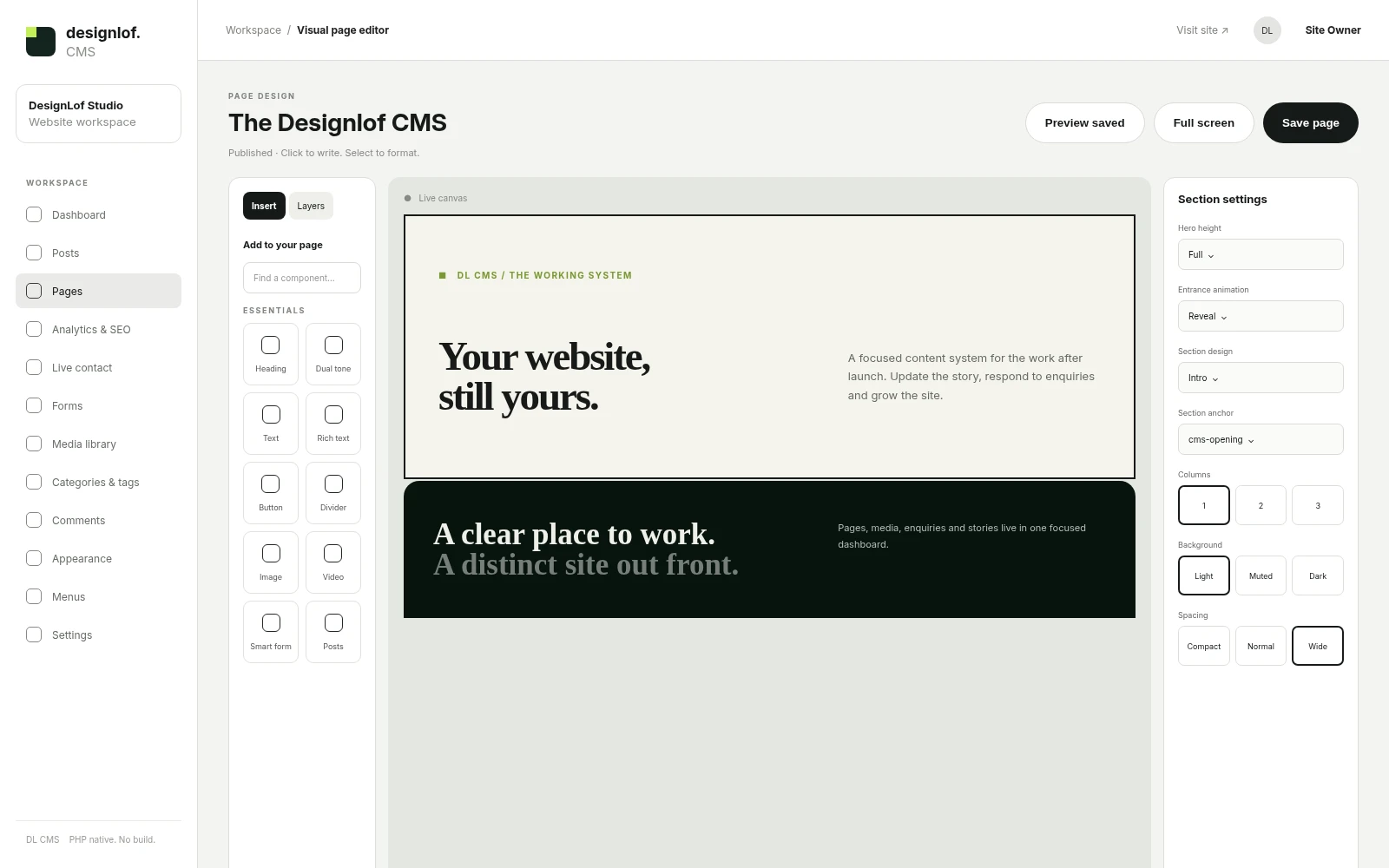
Application and website screenshots need context. A device frame can signal use on mobile, while a wide browser preview lets people inspect navigation, hierarchy and the relationship between page sections.
- Promise
- What changes for the reader
- Proof
- Why the claim is credible
- Next step
- What happens after interest
Write for movement
People scan before they settle into reading. Useful headings, concise labels and clear links let them understand the route through the page. Longer paragraphs then reward the reader who wants the full reasoning.
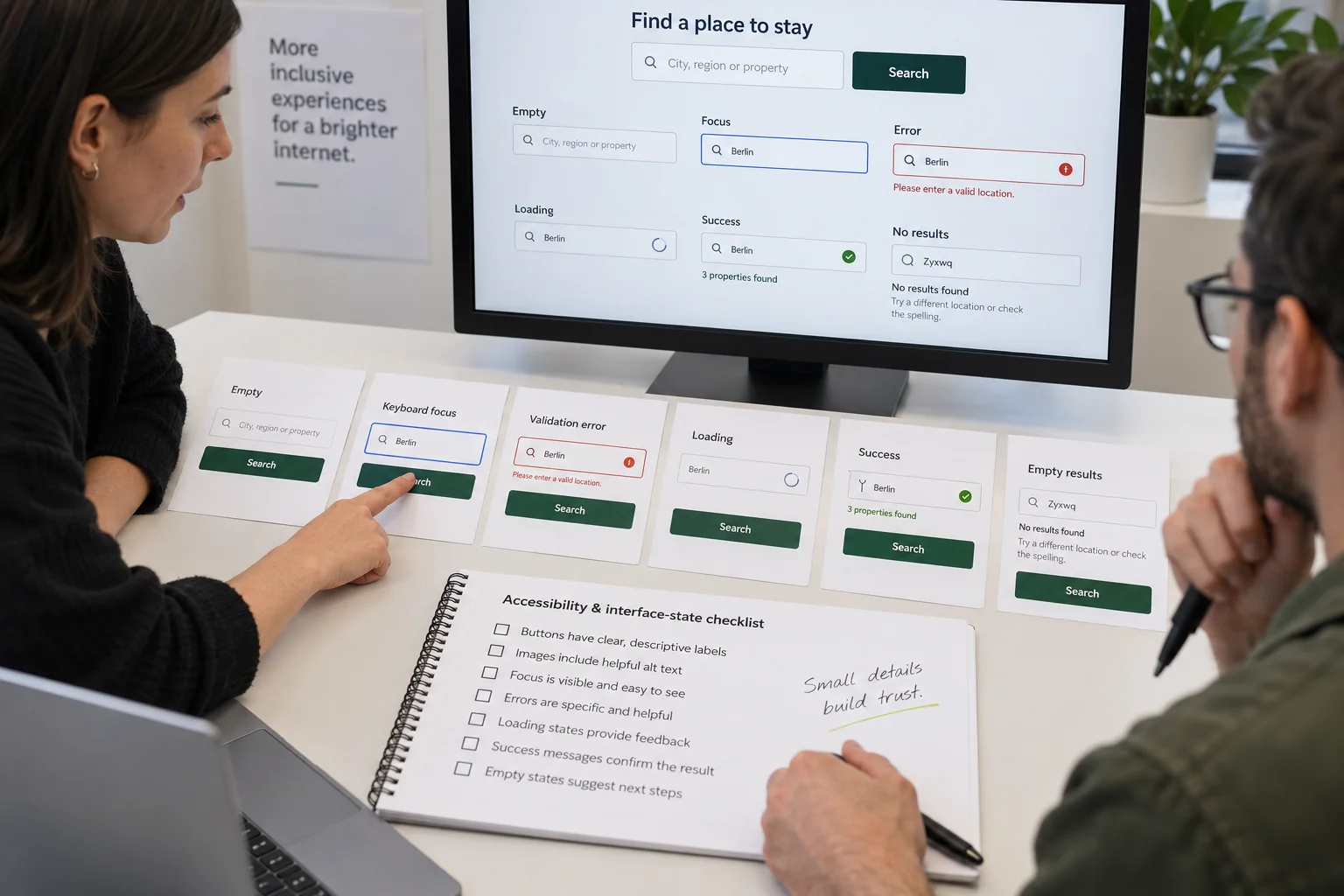
Microcopy deserves the same care. Form labels, empty states and confirmations carry the conversation at the exact moment someone is deciding whether the experience feels trustworthy.
Design the proof
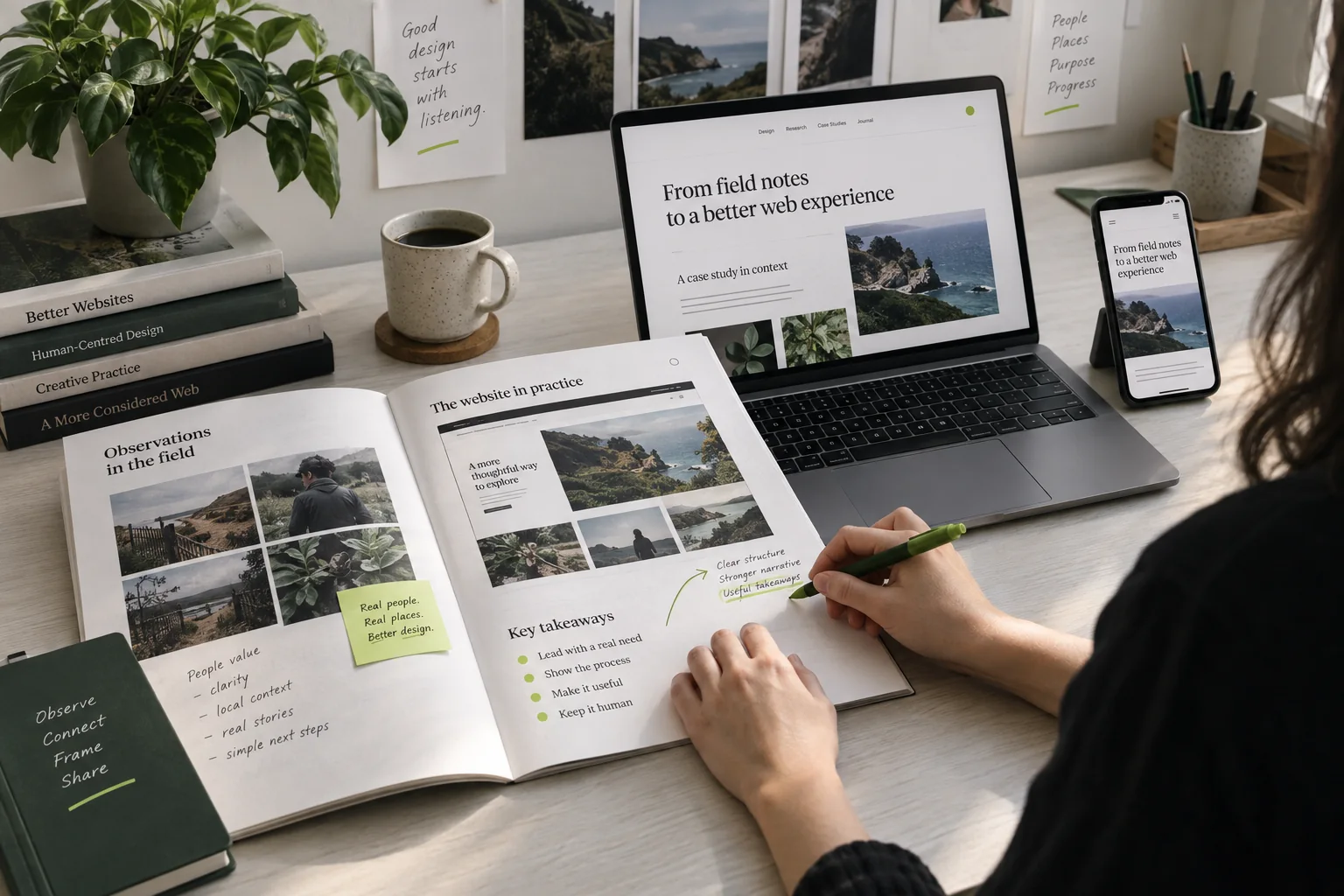
Claims become stronger when the page shows how something works. Pair a principle with a screen, a process with an artifact or an outcome with the evidence that supports it. Avoid filling a case study with final mockups that never explain the decisions behind them.
A complete story includes constraints and trade-offs. Showing what changed, what remained and why creates more confidence than presenting every direction as inevitable.

Use a five-part page brief
Before layout work begins, write five lines: the promise the page makes, the proof that supports it, the process the reader needs to understand, the questions that may stop them and the next step you want them to take. If one line is empty, the design cannot solve the missing information.
For every planned image, add a role beside the filename: show the result, explain the process, compare states, establish scale or introduce the people involved. Remove images whose only role is to fill space.
Keep the story editable
Content will change after launch. Build the page from reusable editorial blocks so a new chapter, callout, metric, app preview or wide image can be added without breaking the visual rhythm.
Before handover, ask the person who will publish content to add one real section, replace an image, revise a link and preview the mobile result. The CMS is ready only when that person can maintain the story without reconstructing the design.
Until the next discovery.

Conversation