 designlof.
Begin with the job
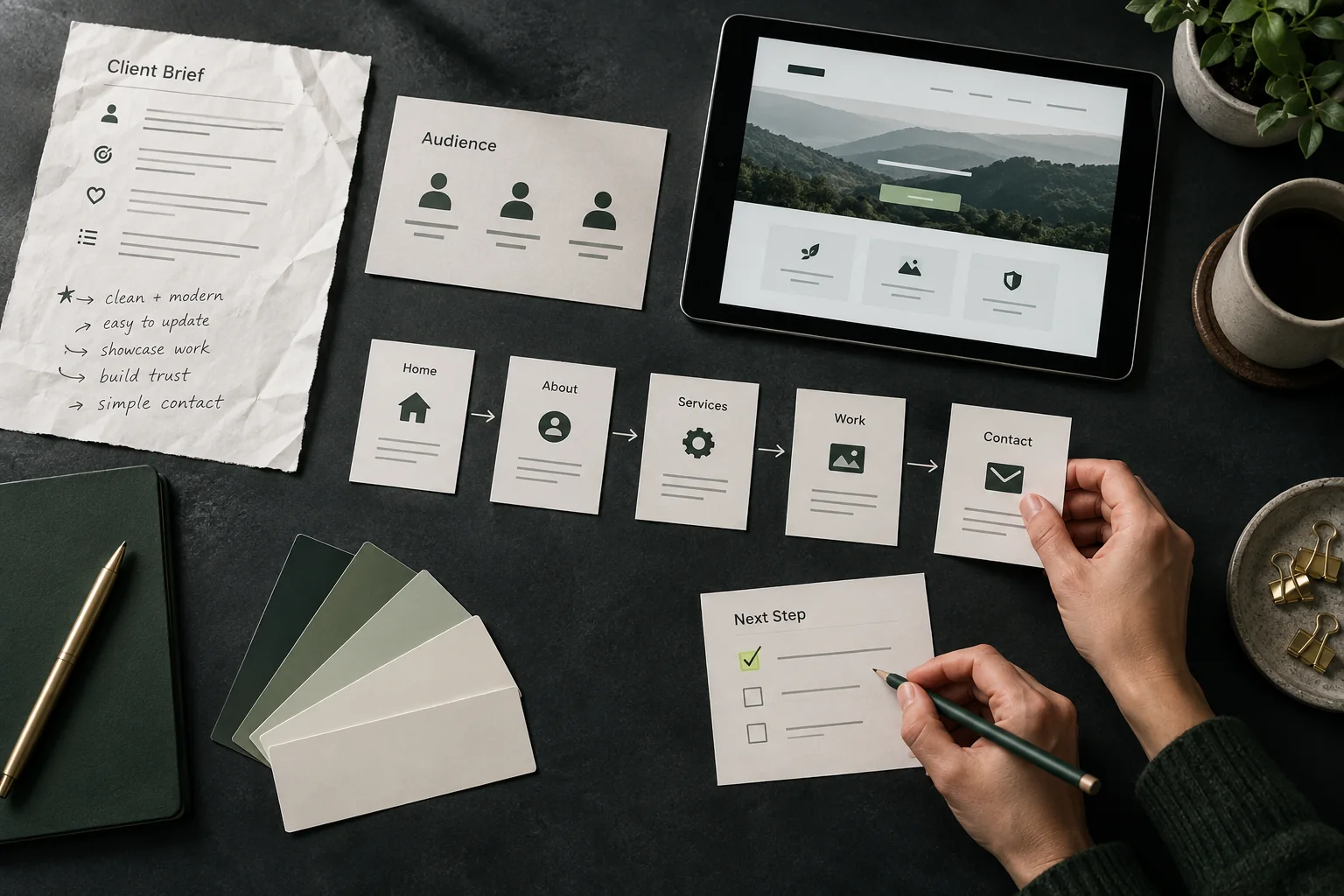
Before comparing visual styles, describe what the website must help someone understand or do. A focused service business may need a confident introduction and a short route to an enquiry. A growing collection may need stronger browsing, comparison and filtering.
That job becomes the standard for every later decision. It prevents the conversation from becoming a list of fashionable effects and gives the project a useful definition of success.
Map the real content
List the pages, proof, images, forms and decisions the experience needs. Then mark what already exists, what needs editing and what still has to be produced. A beautiful homepage cannot compensate for an empty service page or an unclear project story.
This content map also exposes the shape of the system. Repeated project details may need a collection. A small brochure site may only need a handful of carefully arranged pages.
Look beyond the cover
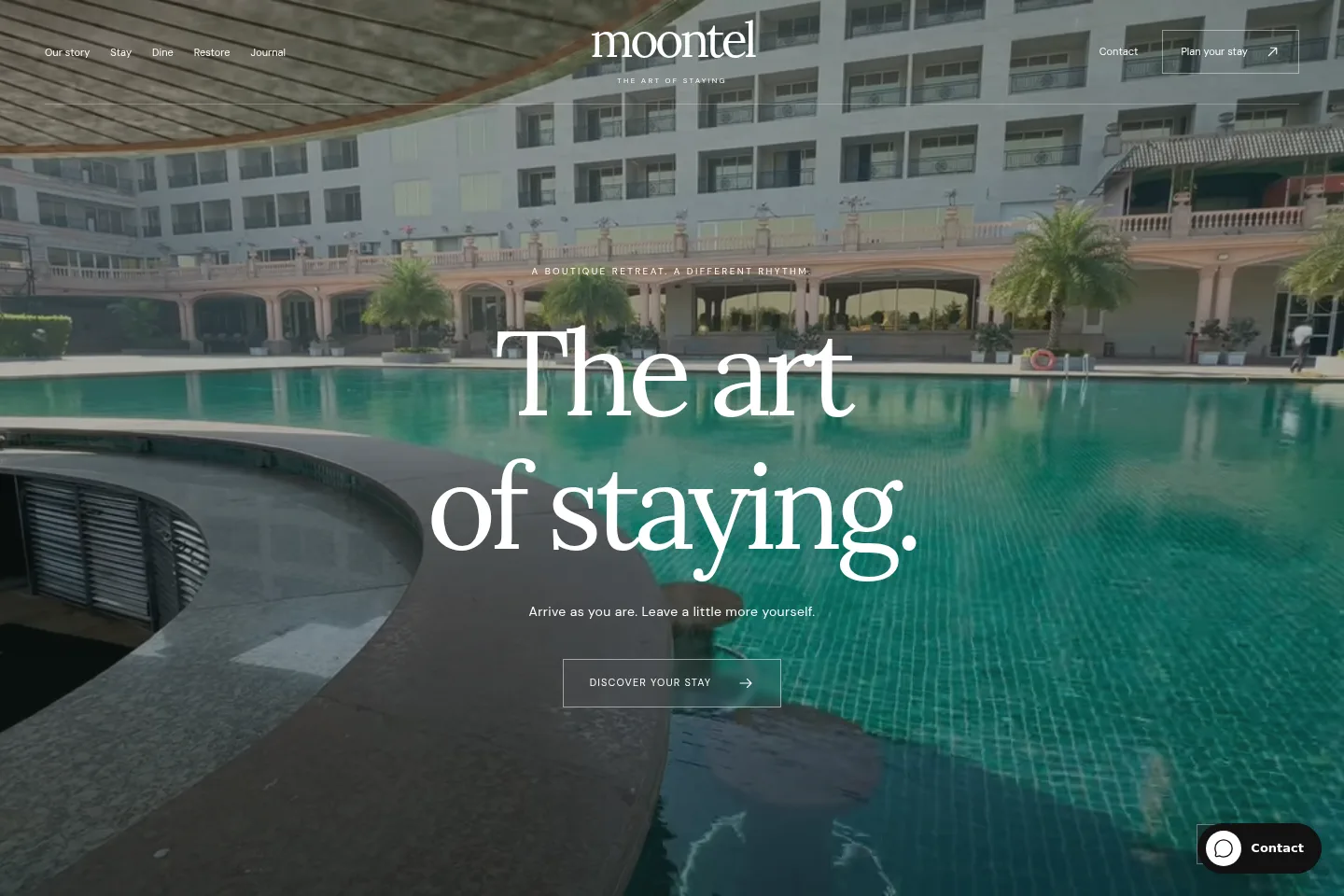
A template is useful when its inner structure already supports most of the story. Review the detail pages, mobile behavior, form states, journal and editor. The question is whether the system fits, not whether the first screenshot feels familiar.
Treat the preview as a working model. Replace sample words with a real paragraph, imagine your image ratios and follow the most important visitor journey from beginning to end.
- Fit
- Pages and content match
- Gaps
- Unique journeys identified
- Owner
- Editing workflow agreed
Name what must be different
A custom direction becomes valuable when the business needs a particular content model, interaction or narrative sequence. Write those differences down. Specific constraints are easier to design than the vague request to make everything unique.
Some projects need one exceptional chapter inside an otherwise familiar structure. Others need the whole experience to work differently. The right scope can combine proven parts with purpose-built ones.
Compare ownership as well as launch
Consider who will update the website, how often the content changes and which tools should remain simple. The right starting point includes the dashboard, media workflow and handover, not only the public pages.
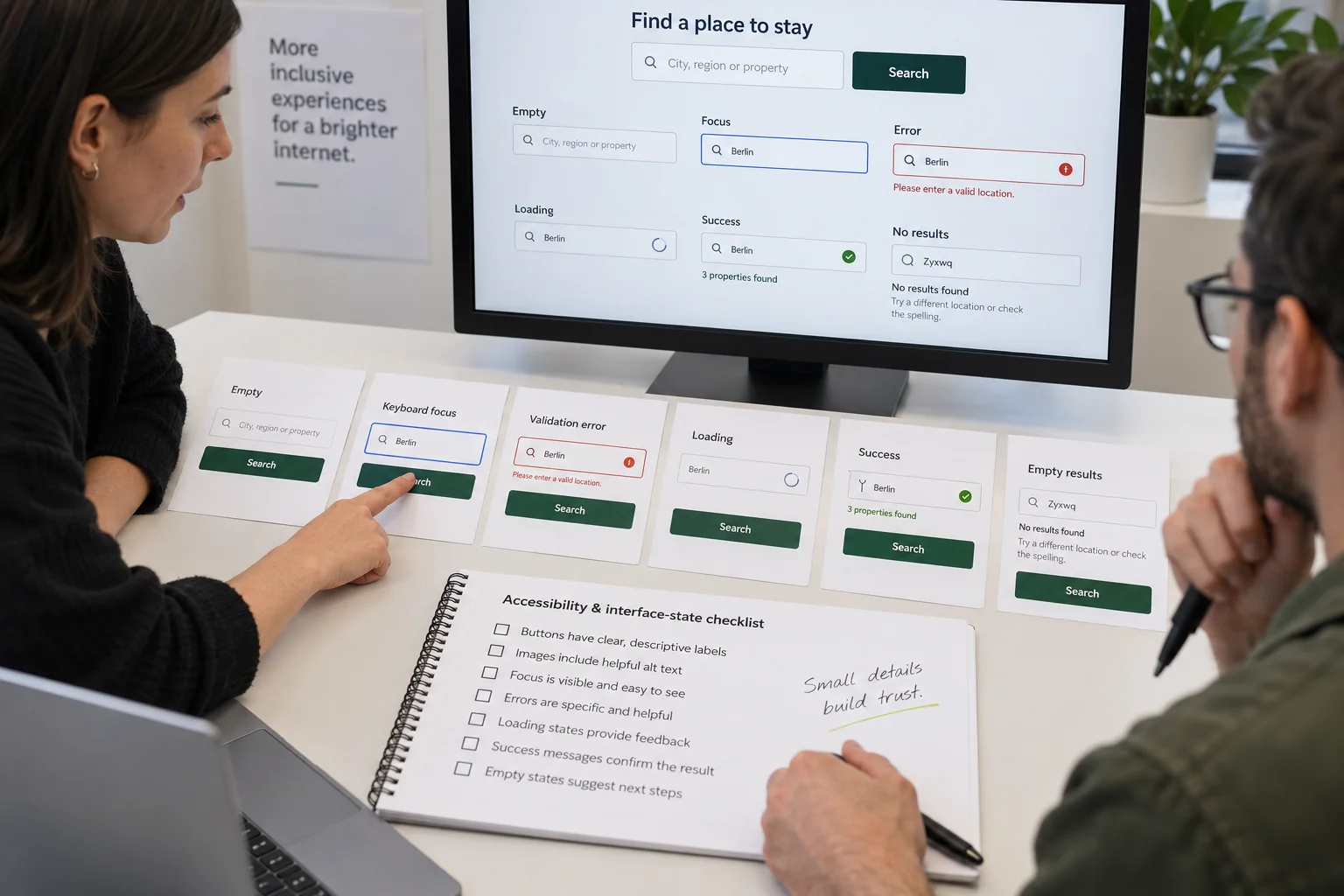
A template can reduce the amount of design that starts from zero. Custom work can remove compromises in the most important journey. Both still need responsive testing, accessible states and clear publishing controls.

Run a 20-minute decision test
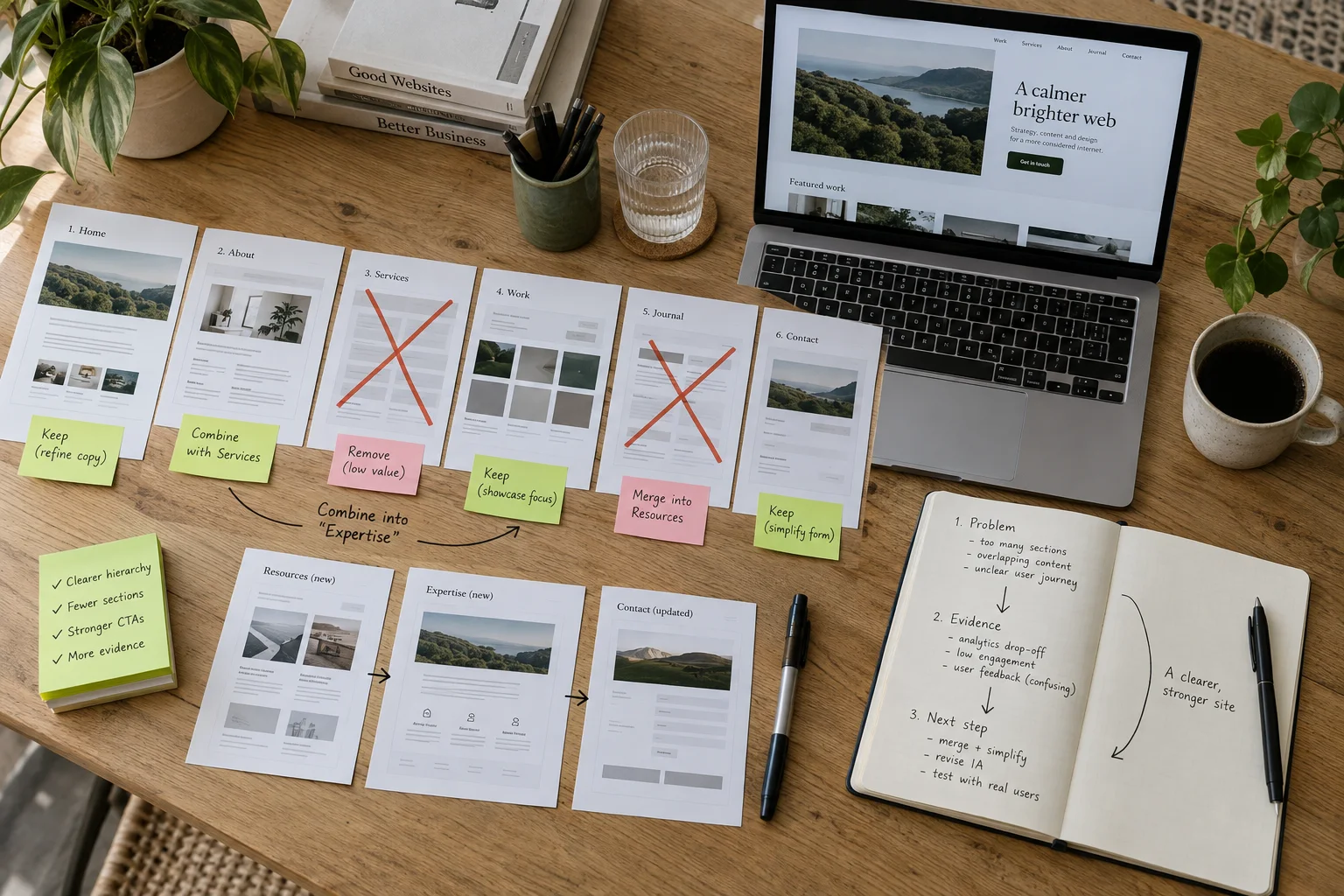
Draw two columns: “already fits” and “must be different.” Put every required page, content type and function into one of them. If the first column contains most of the project and the differences are mainly typography, imagery and copy, start from a template. If the second column contains the primary user journey, data model or interaction, plan custom work.
Then test the likely route with real material: one service paragraph, one project, the longest navigation label and the actual enquiry questions. A starting point is only useful when your content survives inside it.
Turn the decision into a brief
Keep the brief to one page. Include the business goal, primary audience, single most important visitor action, required pages, content already available, integrations, publishing owner, target timing and budget range. Add three references and explain what is useful about each; a link alone does not reveal the reason.
End with a scope sentence: “We will adapt these proven parts, design these specific parts, and hand over these editing controls.” If that sentence is understandable, the project has a useful starting point.
Until the next discovery.

Conversation